How to join a contest
When you first sign in, you will be brought to your dashboard. To access the contest, select contests in the top menu bar.

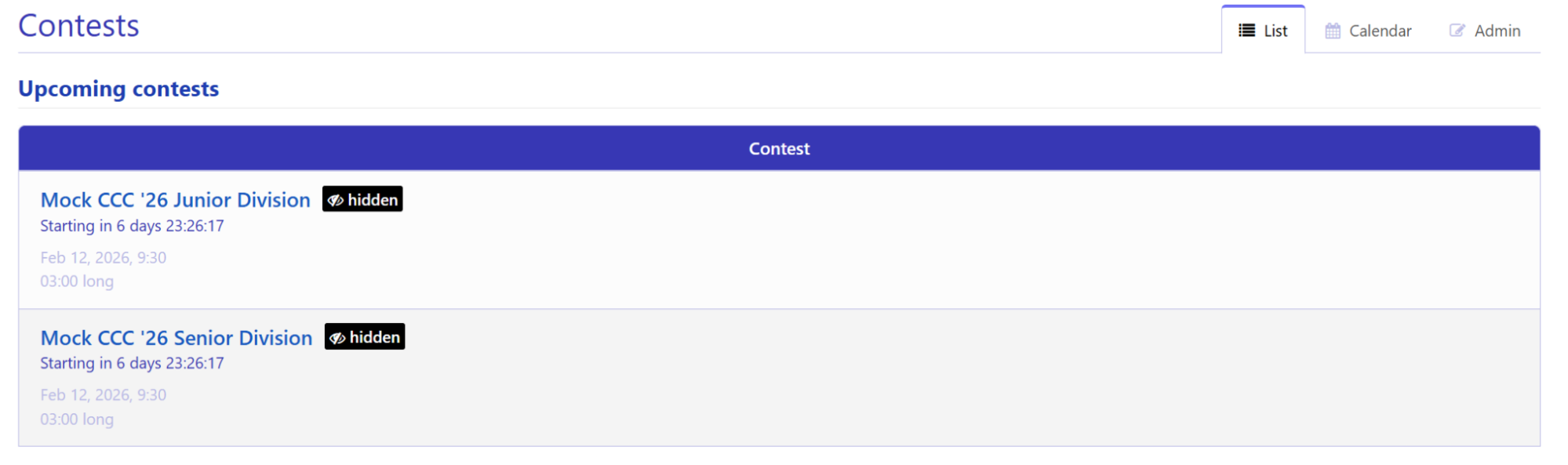
From the contests page, you can click join to enter a contest. Senior teams should join Mock CCC ‘26 Senior and junior teams should join Mock CCC ‘26 Junior.
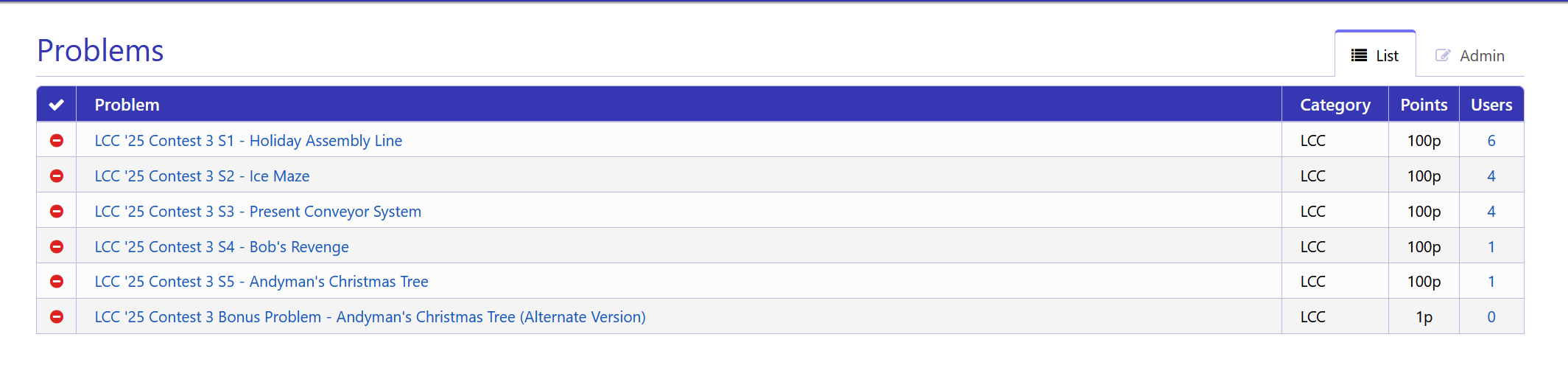
To view problems, select the problems tab on the top menu bar. This will only work after you’ve joined the contest.

Click on any problem title listed in the table to view the problem’s details. Note that if you have joined a contest, only problems from that contest will appear on the problems page.